Overview
The superhero-dashboard (short SHD) is the UI for instance-wide configuration and data manipulation. It is used by users with the role "superhero".
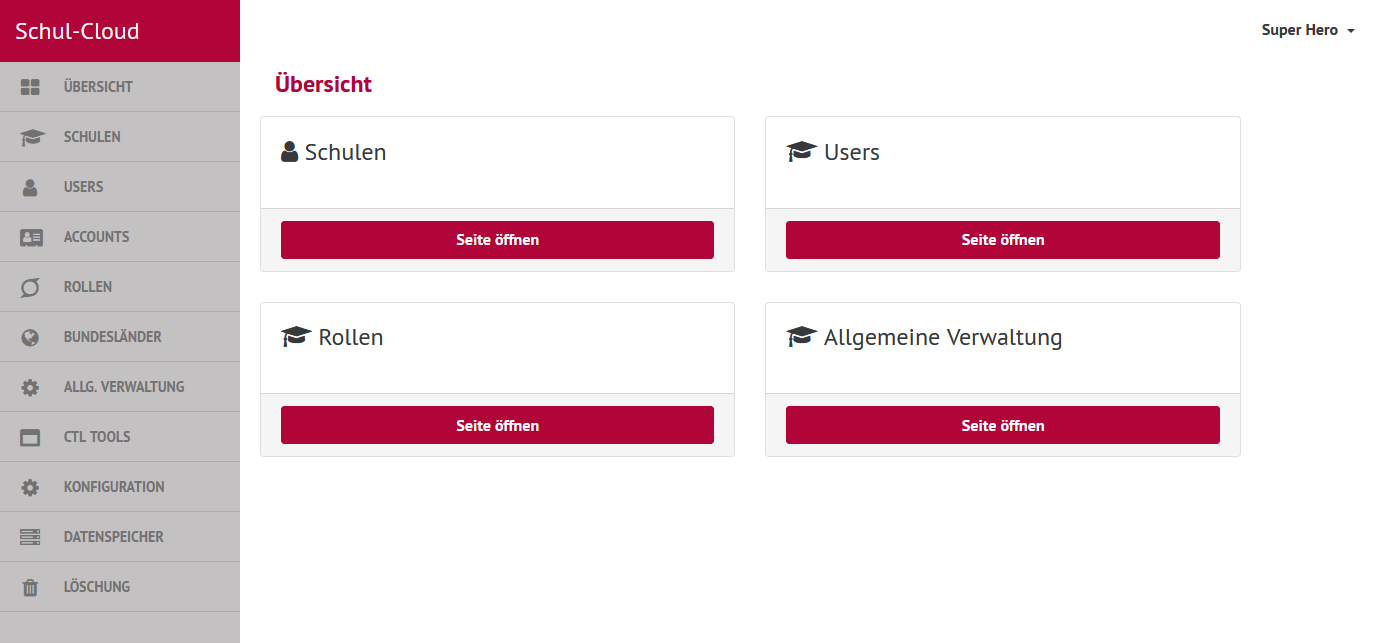
Technical Overview
It uses server-side rendering with Handlebars templates served by an Express.js backend.
The integration of Handlebars with Express is done with handlebars-wax as described in this paragraph from the handlebars-wax-docs.
Static files are built with gulp.js.
Integration in the Schulcloud
As shown above the superhero-dashboard communicates with the following schulcloud-apps:
- schulcloud-server
- admin-api-server (for user-batch-deletion)
- file-storage (for school-files-deletion)
All communication is via HTTP inside the kubernetes-cluster and authenticated by the methods mentioned in the diagram.
HTTP Basic Auth
Unlike other schulcloud-apps the superhero-dashboard is protected by HTTP Basic Auth on deployed instances like configured here.
Local setup
Clone the repository and proceed like described in the README.
For a minimal setup the schulcloud-server must be running, for a full setup also the admin-api-server and the file-storage (see Integration in the Schulcloud above).
Changing environment variables
The defaults of the env vars are fine for the normal local setup. If you want to change an env var, you have to set it in your local environment. Let's say you want to override the title that is displayed in the navigation, then you start the app with SC_NAV_TITLE=foo npm start.