Overview
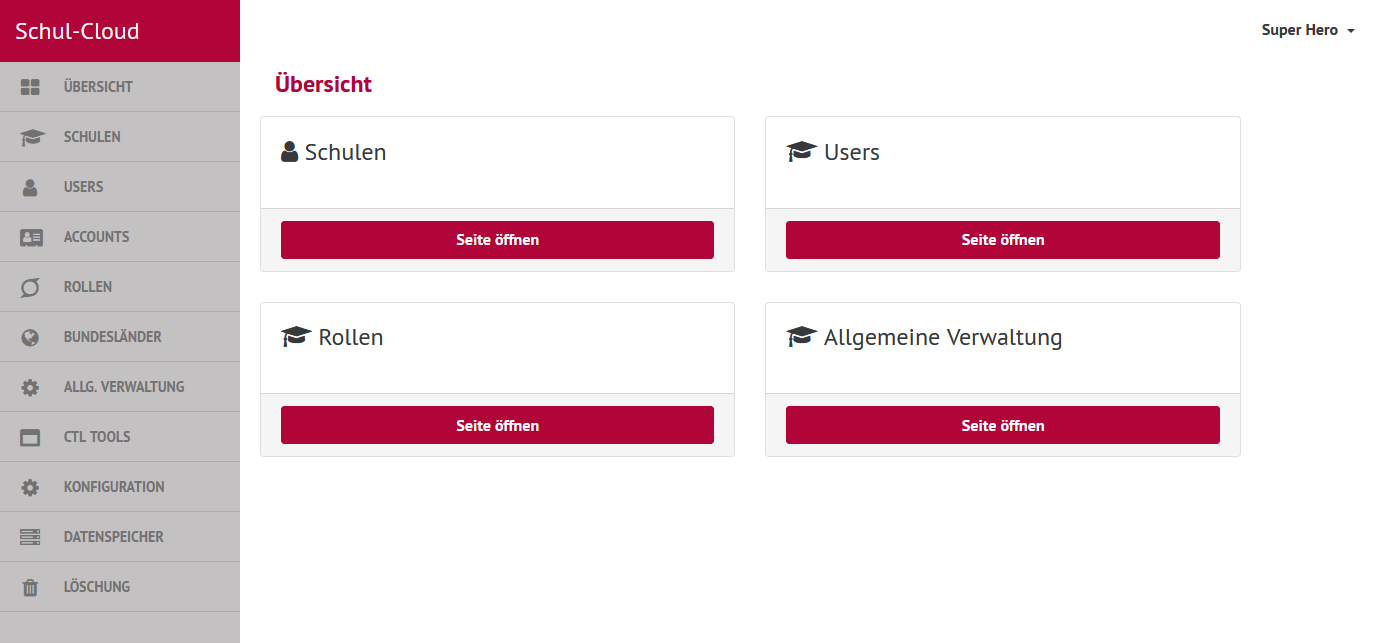
The superhero-dashboard (short SHD) is the UI for instance-wide configuration and data manipulation. It is used by users with the role "superhero", which is basically the support team.
Technical Overview
It is a client-server application based on Handlebars and Express.js.
The integration of Handlebars with Express is done with handlebars-wax as described in this paragraph from the handlebars-wax-docs.
Static files are built with gulp.js.
Integration in the Schulcloud
Like shown above the superhero-dashboard communicates with the following schulcloud-apps:
- schulcloud-server
- admin-api-server (for user-batch-deletion)
- file-storage (for school-files-deletion)
All communication is via HTTP inside the kubernetes-cluster.
HTTP Basic Auth
Unlike other schulcloud-apps the superhero-dashboard is protected by HTTP Basic Auth on deployed instances like configured here.
Environment Variables
- PORT
- BODYPARSER_LIMIT
- BACKEND_URL
- FILES_STORAGE_API_URL
- ADMIN_API_URL
- ADMIN_API_KEY
- SC_NAV_TITLE
- SC_THEME
- FEATURE_MEDIA_SHELF_ENABLED
- FEATURE_USER_LOGIN_MIGRATION_ENABLED
- FEATURE_SHOW_OUTDATED_USERS
- FEATURE_ENABLE_LDAP_SYNC_DURING_MIGRATION
Defaults are set where the variables are used in the code.
Local setup
Clone the repository and proceed like described in the README.
For a minimal setup the schulcloud-server must be running, for a full setup also the admin-api-server and the file-storage (see Integration in the Schulcloud above).
The defaults of the env vars are fine for the normal local setup. If you want to change an env var, you have to set it in your local environment. Let's say you want to override the title that is displayed in the navigation, then you start the app with SC_NAV_TITLE=foo npm start.